

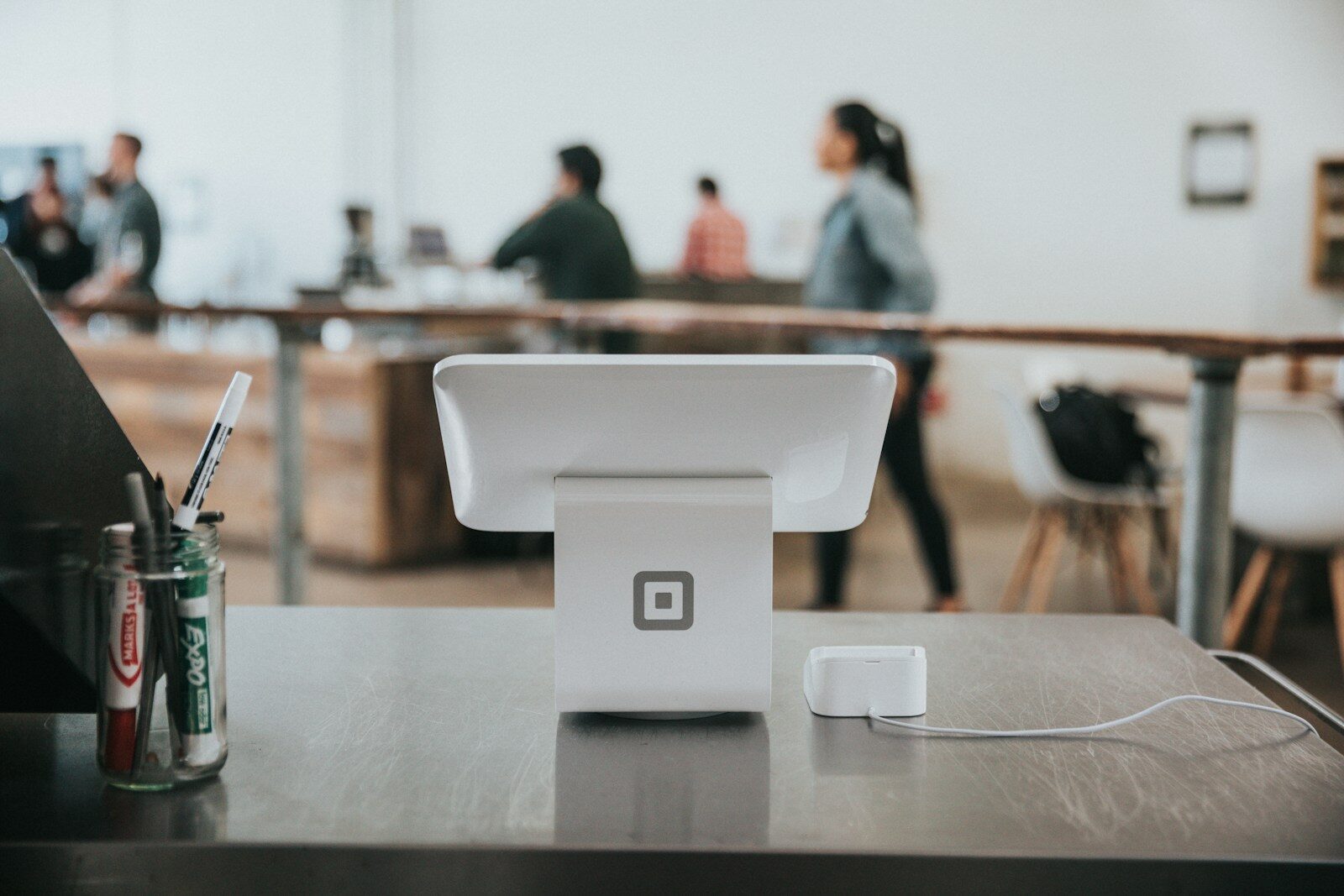
Square POS is one of those things that looks easy until you’re actually setting it up. An hour in, you’ve got a hardware error, half your products aren’t loading, and you still haven’t touched payment processing. It happens more than people expect. A St. Louis shop owner spends a whole Saturday on this. Gets it mostly working. Then finds out three weeks later that taxes were misconfigured the whole time.
This guide breaks down what Square POS installation actually involves for a St. Louis business: the hardware, the software, what it costs, how long it realistically takes, and when it makes sense to bring someone in who does this every day. If you’re opening a new location, ditching your old cash register, or switching POS systems, this should give you a clear picture of what you’re getting into and what to do next.

Chapter 1: What Square POS Actually Includes
A lot of people think Square POS is just the little card reader. It’s not. The full setup has a few moving parts, and understanding what you actually need before you buy anything saves you from ordering the wrong hardware or missing something on the software side.
Hardware:
Square sells several hardware options depending on your setup:
Square Reader ($59) is the contactless and chip reader that pairs with your phone or tablet via Bluetooth. Good for mobile sellers. Not ideal for a permanent counter setup.
Square Handheld ($399) is a newer all-in-one device with a built-in barcode scanner, designed for tableside ordering and payments. Popular with restaurants and food service.
Square Terminal ($299) is a standalone device with a built-in screen and receipt printer. Good fit for service businesses and smaller retail counters.
Square Stand ($149) turns a compatible iPad into a countertop POS. Lower upfront cost, but you’re supplying the iPad.
Square Register ($899) is the full countertop system with a dedicated customer-facing display. No iPad required. This is what most retail and restaurant owners in St. Louis end up going with.
Square Kiosk ($149, iPad required) is the self-service option, mostly for restaurants and food-service businesses.
Software
Hardware is only part of it. A complete Square setup includes:
- Payment processing configured and tested
- Full product or menu catalog entered with correct pricing
- Tax rates set up for Missouri and St. Louis city/county
- Staff accounts with appropriate permission levels
- Receipt branding with your logo and contact info
- Square Online connected if you’re selling online as well
Square’s free plan covers the basics. Advanced features like enhanced inventory, online ordering, or appointment management fall under paid plans, which vary by product (Square for Retail, Square for Restaurants, etc.).
DIY vs. Professional Setup
Square’s onboarding is manageable for someone selling five products with no staff. Once you add a real catalog, multiple employees, location-specific taxes, and integrations, it gets complicated fast. A professional setup gets everything configured right the first time.

Chapter 2: Square POS Pricing in St. Louis: Hardware, Software, and Setup
Square’s pricing has three parts: hardware, software, and processing fees. Most people only think about the hardware upfront and get surprised by the rest. Here’s how it actually breaks down for a St. Louis business.
Hardware (one-time cost)
As covered above, hardware runs from $59 for the contactless reader up to $899 for the Square Register. You pay once, upfront.
Software
Square runs on three tiers: Free, Plus, and Premium.
Square Free costs nothing per month. You get core POS features, basic inventory, and online selling. Fine for very simple setups, but limited, no advanced reporting, no multi-location management, no loyalty programs.
Square Plus is $49/month per location. This is where most small-to-mid-size St. Louis businesses land. It unlocks advanced POS features across all business types, retail, restaurant, service, plus loyalty, marketing tools, and more detailed analytics.
Square Premium is $149/month per location. Built for higher-volume operations that want the lowest per-transaction processing fees and the full feature set.
Both paid plans include a 30-day free trial and no long-term contracts.
Processing Fees
Every card payment costs you 2.6% + 15¢ per transaction at the standard in-person rate. Premium subscribers get a lower rate. If you’re processing over $250,000 a year, Square will negotiate custom pricing. Those percentages add up on higher ticket sizes, so factor them into your real monthly cost, not just the subscription fee.
Square POS Setup Cost in St. Louis
Hardware and software are Square’s charges. The setup itself is separate. Professional Square POS installation in St. Louis through a Square Online Certified Partner typically runs a few hundred to a couple thousand dollars depending on catalog size, number of staff accounts, and integrations needed. What you’re paying for is having everything configured correctly from day one — taxes, permissions, payment processing, branding, so you’re not troubleshooting it weeks later when you’re already open.
Working with a Square Online Certified Partner also means the person setting up your system has been vetted by Square directly, not just someone who figured it out on their own.
Chapter 3: How Long Does Square POS Setup Take in St. Louis?
This is one of the most common questions from St. Louis business owners looking at Square POS installation, and the honest answer is: it depends entirely on your business.
The DIY Route
Square will tell you that you can get up and running in minutes, and technically that’s true. If you have one product and one employee, you can download the app and take a payment same day. Most real businesses aren’t that simple.
For a typical St. Louis retail shop or restaurant, DIY setup realistically looks like this: account creation and bank verification takes anywhere from a few hours to two business days. Building out a product catalog with pricing, categories, and variants takes a full day or more depending on size. Tax configuration, staff accounts, and receipt branding add another few hours. Then there’s troubleshooting, and there’s almost always some.
Most owners who go the DIY route spend three to five days on setup, spread across evenings and weekends around their existing schedule. Some get it mostly working, then discover a misconfiguration weeks later when something doesn’t add up in their reporting.
Professional Square POS Installation
A professional Square POS setup in St. Louis typically takes one to three business days from kickoff to go-live. That includes account configuration, full catalog entry, tax setup for Missouri and St. Louis county, staff permissions, payment processing verification, and hardware testing.
The timeline varies based on catalog size and whether Square Online is being set up alongside the in-person POS. Larger catalogs with variants and modifiers take longer. Simple service businesses can often be ready faster.
What doesn’t change is the accuracy. Everything is configured correctly before you open, not corrected after a problem surfaces during a busy shift.
Chapter 4: What to Expect Working With a Square Certified Partner in St. Louis
Square has a program called Square Specialists, vetted professionals who Square has certified to set up and configure their platform for businesses. Working with a Square Online Certified Partner in St. Louis means you’re not figuring things out alongside someone who learned Square last week.
Here’s what the process actually looks like.
Discovery
Before anything gets configured, a good Square partner starts with questions. What kind of business are you running? How many products or menu items? Do you need Square Online connected for e-commerce or pickup orders? Any existing tools that need to integrate — accounting software, loyalty programs, third-party apps? This conversation shapes the entire setup and prevents having to redo things later.
Configuration
This is the bulk of the work. Account setup, hardware pairing, catalog build-out, Missouri tax configuration, staff accounts with appropriate permission levels, payment processing verification, and receipt branding. If Square Online is part of the scope, that gets built and connected to your in-store inventory at the same time so everything stays in sync.
Testing
Before handing anything over, a professional setup includes live transaction testing, staff login verification, and a walkthrough so you and your team know how to use what’s been built. Not a video link. An actual walkthrough.
Remote-Capable
Most of the configuration work happens in Square’s dashboard, which means a Square Certified Partner doesn’t need to be physically in your St. Louis location to do most of the work. Hardware setup and on-site testing can often be handled by your team with remote guidance. This is worth knowing if your timeline is tight or you’re in a surrounding Missouri area outside the city.
At Landa Design, this is exactly how we handle Square POS installation in St. Louis and across Missouri.
Chapter 5: Is Square POS Right for Your St. Louis Business?

Square works well for a lot of businesses, but it’s not the right fit for everyone. Before investing in Square POS installation for your St. Louis business, it’s worth being honest about where it excels and where it has limits.
Good fit
Square is a strong choice for most small to mid-size St. Louis retail shops, restaurants, coffee shops, bars, food trucks, salons, and service businesses. It’s built to handle real catalog complexity, multiple staff accounts, and online selling through Square Online without needing separate platforms stitched together.
It’s also a good fit for businesses opening a second location, switching away from a legacy cash register setup, or launching an e-commerce presence alongside a physical store. The free plan gets you started without upfront software costs, and upgrading to Plus or Premium is straightforward as your needs grow.
Not the best fit
Square has limits at the higher end. Businesses running very high transaction volumes across multiple locations with complex ERP or accounting integrations may find Square’s reporting and backend capabilities restrictive. Enterprise retailers with highly customized workflows tend to outgrow it.
If that sounds like your business, a consultation will tell you quickly. Sometimes Square is still the right call. Sometimes a different platform serves you better, and a Square Online Certified Partner in St. Louis will tell you that honestly rather than push you into a setup that doesn’t fit.
The bottom line
For most St. Louis small business owners looking at a reliable, scalable point of sale system, Square POS covers everything you need to run day to day without overcomplicating it.
Ready to Get Your Square POS Running?
If you’re opening a new location, switching systems, or just tired of a setup that’s never quite worked right, we can help. Landa Design is a Square Online Certified Partner serving St. Louis businesses and across Missouri.
We handle the full Square POS installation, from hardware configuration to catalog build-out, so you’re ready to take payments on day one.
Book a free consultation and we’ll walk through your business, your timeline, and exactly what setup looks like for you.
How much does Square POS installation cost in St. Louis?
The total cost has two parts: Square’s hardware and software, and the professional setup fee. Hardware runs from $59 for the contactless reader up to $899 for the Square Register. Software starts free and goes up to $149/month per location for Square Premium. Professional Square POS installation in St. Louis through a certified partner typically runs a few hundred to a couple thousand dollars depending on catalog size and complexity.
How long does Square POS setup take for a St. Louis business?
For a simple setup, you can be live in a day. For a full Square POS installation with a complete product catalog, Missouri tax configuration, staff accounts, and Square Online connected, most St. Louis businesses are up and running within one to three business days when working with a professional.
Do I need someone local to install Square POS in St. Louis?
Not necessarily. Most Square POS configuration happens inside the Square dashboard remotely. Hardware unboxing and physical setup is straightforward enough that your team can handle it with remote guidance. A Square Online Certified Partner can manage the full setup without needing to be on-site for most of the work.
What is a Square Online Certified Partner and why does it matter?
Square Online Certified Partner is a specialist vetted by Square to set up and configure their platform for businesses. It means your Square POS installation is handled by someone with verified experience, not someone learning on the job at your expense. For St. Louis business owners, it also means having a local point of contact who understands Missouri tax requirements and local business needs.
Can Square POS handle both in-person sales and online orders for my St. Louis business?
Yes. Square POS and Square Online are built to work together, syncing your product catalog, inventory, and orders across both channels in real time. A proper setup connects them from day one so your in-store stock and online store stay accurate without manual updates.
